WHAT THE FILE IS FOR
From download to blade.
The SVG that leaves this page is sized and layered for real cutting — vinyl, HTV, stickers, layered cardstock.
ONE STICKER DESIGN
One credit per design
The pack separates the print layer from the cut line, so one file serves the printer and the other serves the blade.
WHAT THE OUTPUT LOOKS LIKE
Coffee cup with steam
A full-colour illustration with an outline that hugs the silhouette — including the steam — instead of a rectangle.
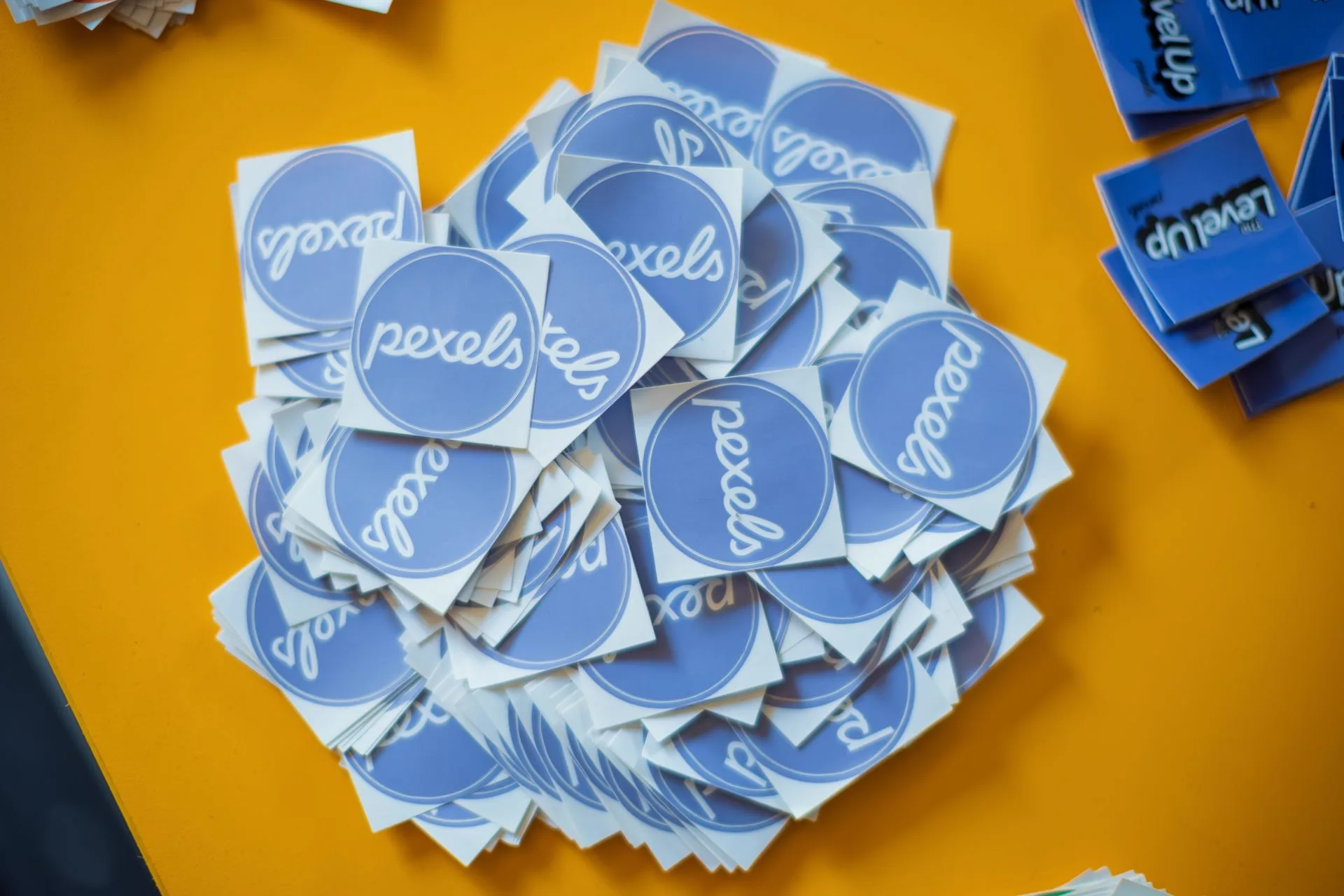
Real-world reference
The kind of physical piece this template is built for.

Vector output — Coffee cup with steam
Generated example · 5 flat colours · 16 paths · 9 KB
File details and what to expect
PNG 300 dpi + SVG · 1 cut path · 3 mm border
ANOTHER SCENE TO EXPLORE
One photo or two. Find your format.
THE OFFER, WITHOUT GUESSWORK
Product facts at a glance
| Colour | Full colour |
|---|---|
| Border | 3 mm default |
| 300 dpi PNG | |
| Cut | Separate SVG path |
| Formats | PNG, SVG, PDF |
Reviewed by the AISVG Pro editorial team · Updated 2026-10-23 · Stroke widths are starting points, not a guarantee for every blade and material. How we check files.
DESIGNING FOR PRINT
Bold shapes survive lamination.
Fine detail disappears under laminate and blade pressure. Ask for bold outlines and flat fills; the template widens gaps between adjacent shapes automatically.
Choose
- A single strong subject, centred
- Flat fills and a bold outline
- Clear separation between nearby shapes
Avoid
- Hairlines and tiny text
- Photographic gradients
- Light colours on a white sticker
The border is generated from the outer silhouette. If two parts of the artwork are very close, the border may merge them.
FROM PROMPT TO STICKER
What happens after you press generate
- 01
Generate
The illustration is produced as flat vector shapes, not a raster image.
- 02
Outline
A silhouette is derived and expanded by the border width you choose.
- 03
Separate
Print layer and cut line are exported as separate files.
- 04
Download
One credit unlocks both files plus a PDF sheet.
Print at 100% scale. Any "fit to page" setting will break the cut alignment.
Can I print these at home?
Does the cut line include the white border?
Will it work on a Silhouette Portrait?
USEFUL ANSWERS