THE CUT-FILE COLLECTION
Describe it.
Get a cut-ready SVG.
It turns a sentence or a photo into a layered SVG you can cut on Cricut or Silhouette. Preview it free, then pay once to download the SVG, PNG, DXF and PDF — no subscription, no account.
6
templates
4
formats per download
1.4
mm min stroke
0
credits for tracing
Drop a reference image
JPG, PNG, WebP or SVG · up to 10 MB
Logos, silhouettes and flat-colour art trace cleanly. Busy photos come back as hundreds of fragments.
Watch first: a reference image becomes a cut-ready SVG in 20 seconds.
SIX TEMPLATES. ONE WORKFLOW.
Which template fits your material?
Vinyl, HTV, sticker paper and layered card fail for different reasons — the minimum stroke, the number of layers and whether the file needs a white border all change. Pick by material, not by style.


FROM A SENTENCE TO A CUT FILE
What happens between a prompt and a cut file?
No design software, no tracing by hand — the workflow lives in the browser.
 01
01Describe or upload
One sentence, one reference — or trace a photo for free
 02
02Preview the layers
Colour-separated layers and a thin-stroke warning
 03
03Download and cut
SVG, PNG, DXF and PDF in one pack
HOW EACH FILE IS CHECKED
What runs before the download unlocks
The same three rules apply to every template. They catch the failures that make a file look finished but cut badly.
- Closed paths only
- A cutter follows outlines, not strokes. Anything traced as an open line is discarded before the preview renders.
- Minimum stroke per template
- 1.4 mm on vinyl, 2 mm on HTV. These are starting points set against Cricut’s material settings — not a guarantee for every blade and mat.
- One named group per colour
- Layers arrive named, so Design Space lists them separately instead of showing one merged shape you have to untangle.
What we do not claim: we have not cut every template on every machine. Blade wear, mat tack and material thickness decide whether a 1.4 mm line survives weeding. The preview tells you where the thin spots are; it cannot prove the cut.
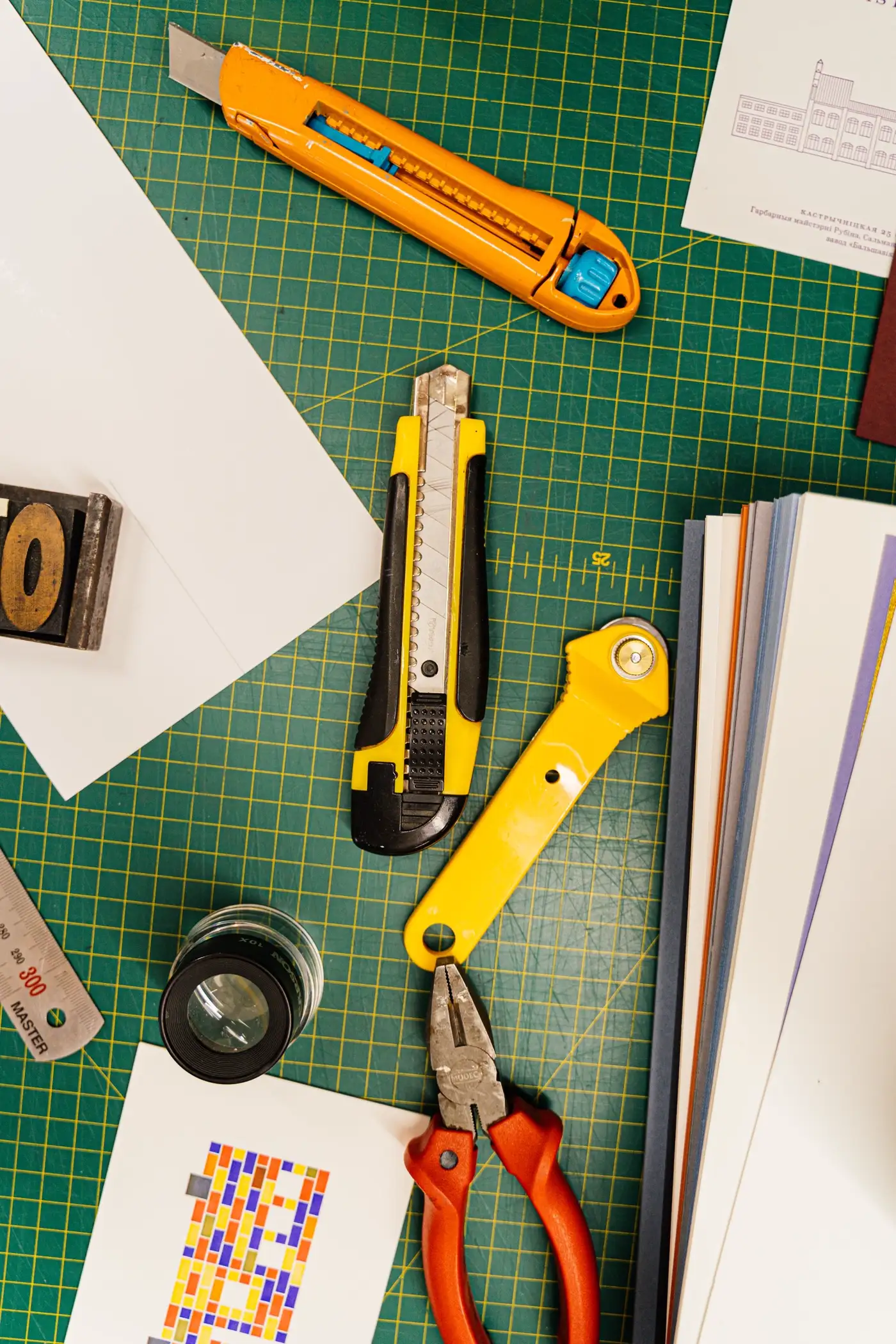
THE DIFFERENCE THAT MATTERS
An ordinary AI SVG.
A cut-ready file.
| Ordinary AI output | What this site returns | |
|---|---|---|
| Paths | Open, unmerged strokes | Closed paths, islands bridged |
| Colour | One flat screenshot | Named groups, one per material |
| Detail | Whatever the model drew | Measured against your blade limit |
| Text | Baked into pixels | Converted to outlines |
| Scale | Resized to fit the preview | Fixed canvas, real-world size |
ONE PRICE. NO SUBSCRIPTION.
What does one cut file cost?
The starter pack is US$9.90 for 50 credits. One credit covers one AI generation and its full download pack. Failed generations return the credit automatically.
US$9.90
1,000 credits · 100 per AI artwork · 10 per trace
Prefer to start free? Browser tracing is unlimited and costs nothing.
THE INPUT DECIDES THE OUTPUT
How do you write a prompt that cuts cleanly?
Describe mode works best with one subject and a stated style — "line-art fox, single colour, thick outline". Upload mode reads silhouettes and flat colour; photos with busy backgrounds need cropping first.
JPG, PNG, WebP or SVG · up to 10 MB. AI output is generative: stroke weights and small details vary between runs, so always check the preview before you cut.
Tracing a photo? Use a subject that fills most of the frame and a plain background — this is the free browser path, no credits used.
What exactly do I get after paying?
Can I cut the result on a Cricut or Silhouette?
What does "cut-ready" mean here?
Is the free image-to-SVG conversion really free?
Can I use the file commercially?
What if the result is unusable?
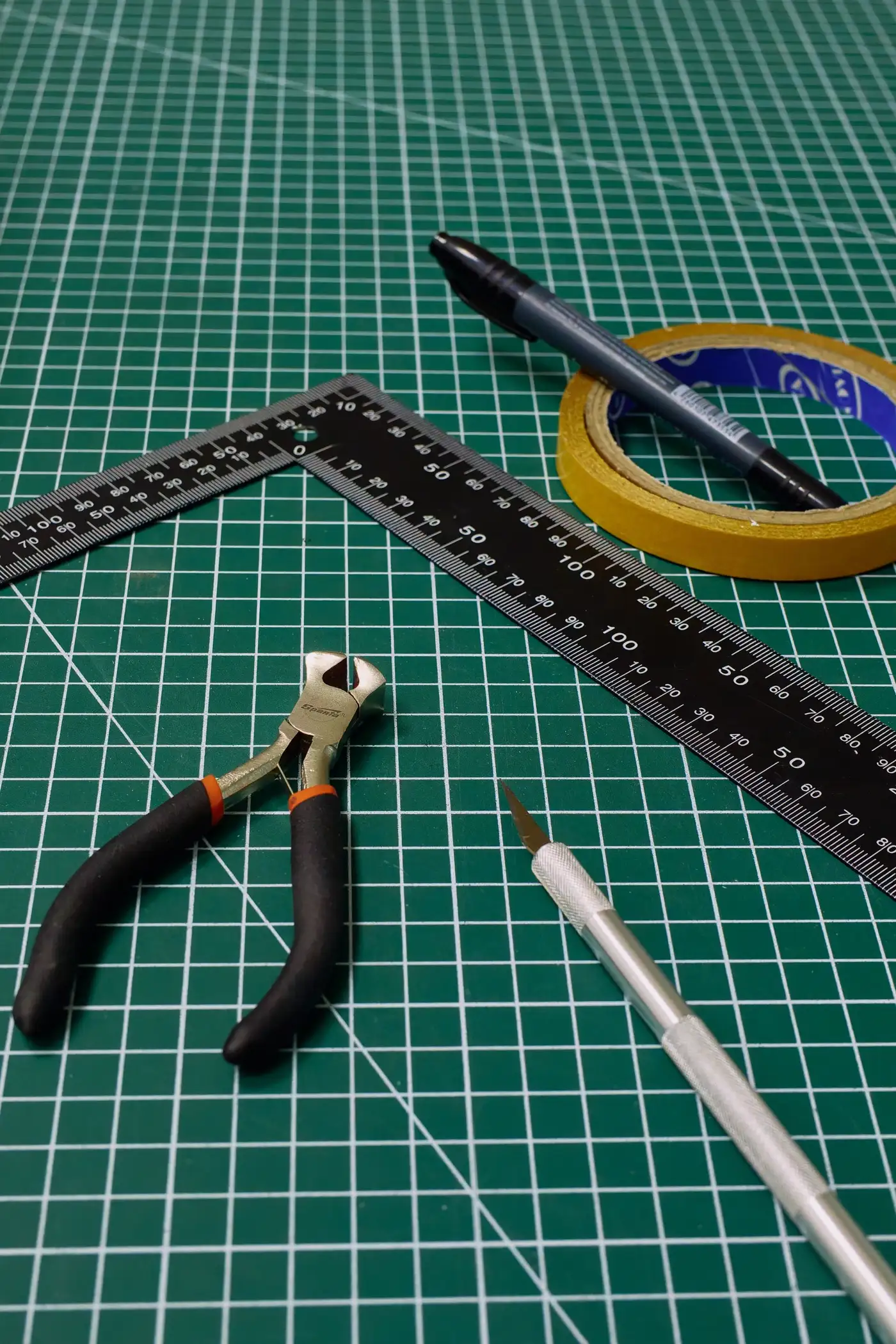
YOUR NEXT CUT FILE
Make something worth cutting.
Independent AI tool. No affiliation with or endorsement by Cricut, Silhouette or any art-software vendor.